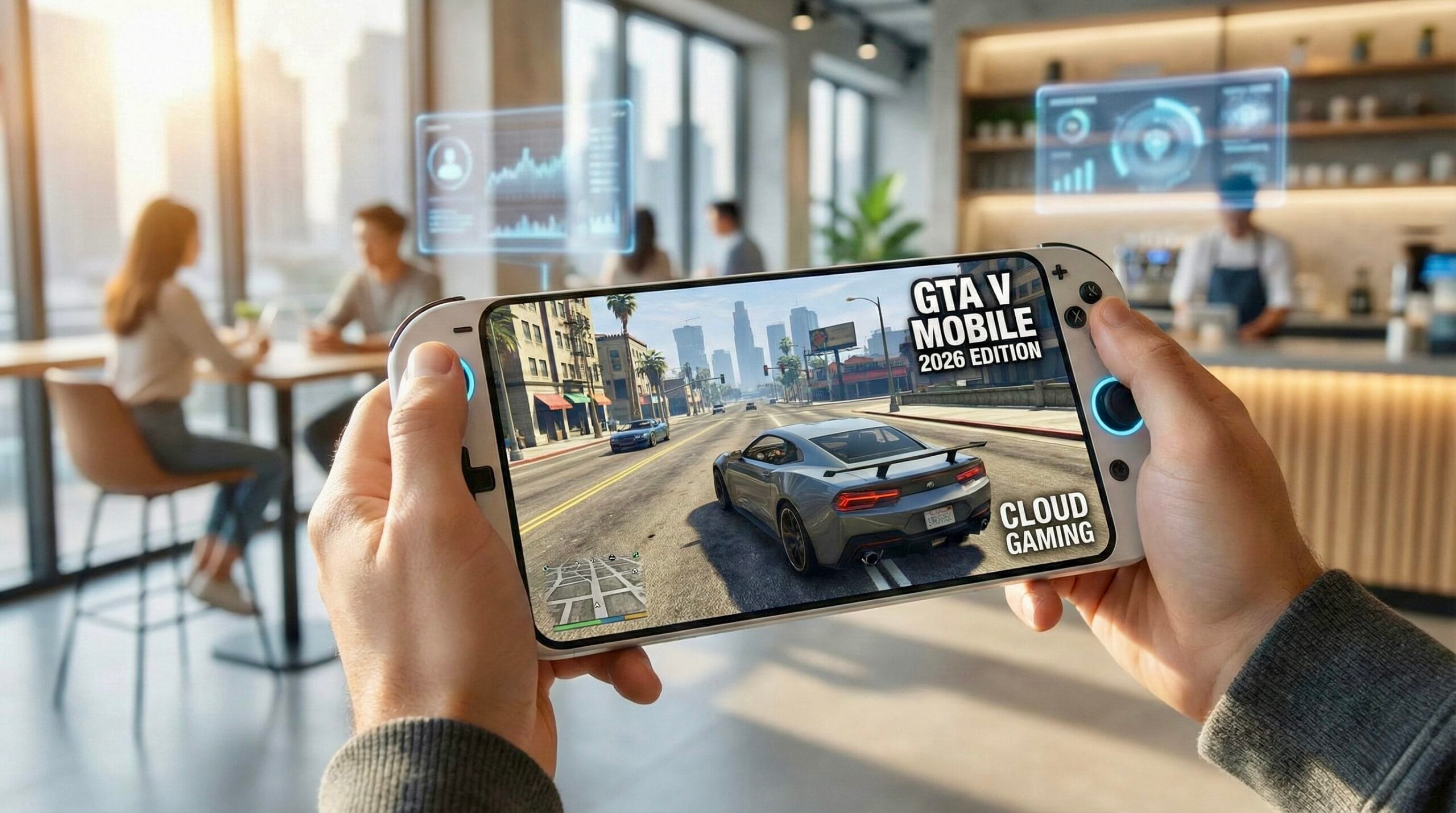
Many gamers dream of playing GTA V on their mobile phone, driving through Los Santos, completing missions, and causing chaos anytime, anywhere. If you’ve ever wondered, “Can I play GTA V on mobile?”, you’re not alone.
The short answer is: GTA V is not officially available on mobile phones. Rockstar Games has never released a mobile version of GTA V. But the good news is, you can still play GTA V on your phone or tablet using smart technology.
This guide explains why GTA V doesn’t exist on mobile, and how you can still play it smoothly using remote gaming, especially with a tool called Deskin.
Why GTA V Is Not Available on Mobile
GTA V is a very large and powerful game. It was designed for PCs and gaming consoles, not phones.
Here’s why it doesn’t run directly on mobile:
- GTA V is over 100GB in size
- It needs at least 8GB RAM on PC
- It requires a powerful graphics card
- Mobile phones have limited GPU power
- Running GTA V directly would cause overheating and poor performance
Due to these limitations, Rockstar has not released GTA V for Android or iOS.
But technology has evolved, and that’s where remote gaming comes in.
How Playing GTA V on Mobile Is Possible
Even though you can’t install GTA V on your phone, you can stream it from another system. There are two main ways to do this:
Method 1: Cloud Gaming Services
Cloud gaming means the game runs on remote servers rather than on your device. You just stream it.
Popular cloud gaming services include:
- GeForce NOW
- Xbox Cloud Gaming
- PlayStation streaming services
Pros:
- No gaming PC needed
- Easy to start
- Works on most devices
Cons:
- Input lag (delay)
- Monthly subscription cost
- Long wait times during peak hours
- High internet data usage
Cloud gaming is suitable for casual play, but fast-paced missions can feel slow due to latency.
Method 2: Remote Gaming from Your PC
This is the best way to play GTA V on mobile.
Here, GTA V runs on your own gaming PC, and your phone becomes a screen and controller. One of the best tools for this is Deskin.
What Is Deskin?
Deskin is a remote access and gaming app. It lets you control your PC from your phone or tablet.
Your PC does all the hard work:
- Graphics
- Game processing
- Physics and AI
Your phone only:
- Shows the game screen
- Sends your touch or controller inputs
This provides low latency and smooth gameplay.
Why Deskin Is Great for GTA V on Mobile
- Very low delay (almost like playing on PC)
- Supports high-quality visuals (up to 4K)
- Works with Bluetooth controllers
- Play anywhere with internet
- Supports Android, iOS, Windows, and Mac
- No need to buy a new PC or console
You’re playing the full GTA V game, with all missions and updates.
How to Play GTA V on Mobile Using Deskin (Step-by-Step)
What You Need:
- A gaming PC with GTA V installed
- Android phone (Android 8+) or iPhone (iOS 12+)
- Stable internet connection
- The Deskin app is installed on both PC and mobile
Steps:
- Download and install Deskin on your PC and phone
- Log in with the same account on both devices
- Open Deskin on your phone
- Select your PC from the device list
- Approve the connection
- Tap Control to connect
- Launch GTA V on your PC
- The game screen appears on your phone
- Connect a Bluetooth controller for better control
That’s it! You’re now playing GTA V on your mobile.
Tips for Best Performance
Internet Tips:
- Use 5GHz Wi-Fi if possible
- Keep the phone and PC near the router
- Close other heavy apps
- Use an Ethernet cable for the PC if available
Graphics Settings:
- Start with 1080p at 60 FPS
- Increase resolution if the internet is strong
- Prioritise smooth gameplay over high resolution
Controller:
- Xbox and PlayStation controllers work best
- Pair the controller with your phone, not the PC
Final Thoughts
You can’t download GTA V directly on mobile, but you can play it smoothly using remote gaming.
With Deskin, your phone becomes a powerful gaming device, letting you enjoy GTA V anywhere without buying expensive hardware.
If you already own a gaming PC, this is the best and safest way to play GTA V on mobile.
FAQs: GTA V on Mobile
1. Can GTA V be installed directly on mobile?
No. GTA V cannot be installed on Android or iOS.
2. Is playing GTA V on mobile legal?
Yes. Remote gaming using your own PC is completely legal.
3. Do I need a gaming PC?
Yes. GTA V must run on a PC for remote play.
4. Does GTA Online work with Deskin?
Yes, as long as GTA Online works on your PC.
5. How much internet speed is needed?
At least 15–20 Mbps for smooth gameplay.
6. Does this use a lot of data?
Yes. Expect 1–2GB per hour on high settings.
7. Can I use touch controls?
Yes, but a controller is highly recommended.
8. Is Deskin free?
Deskin has a free version with paid plans for advanced features.
9. Does this work on iPad and tablets?
Yes. Tablets perform well due to their larger screens.
10. Will my phone overheat?
No. The game runs on your PC, not on your phone.