The most loved game of 2026 is undoubtedly Grand Theft Auto V (GTA 5). Players, after playing it for so many years, have recognised that it is still not available on the Apple App Store. However, you can play games like GTA San Andreas directly on iPhone and iPad. But the full GTA V experience is missing on iOS devices.
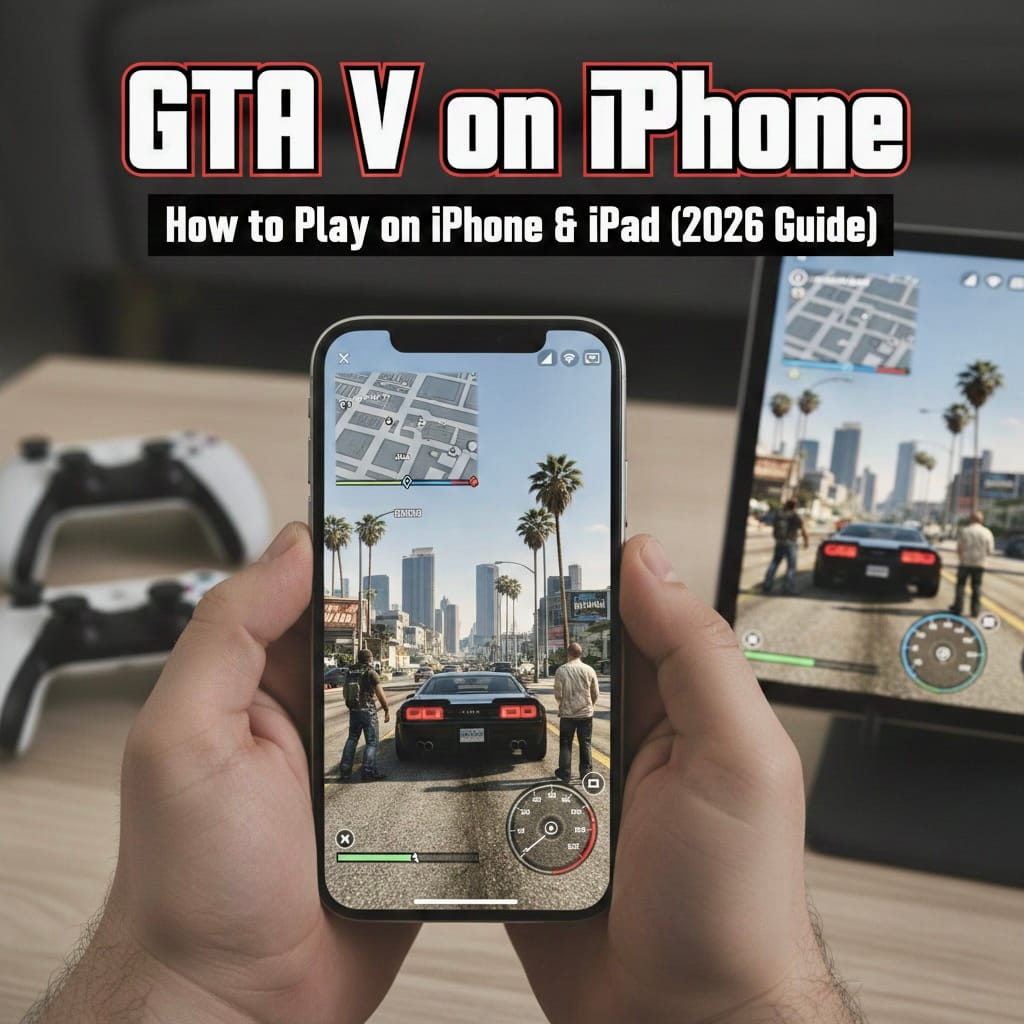
A major thanks to cloud gaming, you can finally play GTA V on iPhone and iPad in 2026. Learn simple guides on playing GTA 5 in the best possible way, with better graphics and vibrations.
Learn from the guide below on how to play GTA V on iOS.
GTA V is not available on Xbox Cloud Gaming. Or you can say GeForce Now. One of the best ways to play GTA V is on Boosteroid. It’s a cloud gaming service that helps you to stream games on your iPhone or iPad.
So, to play GTA V, you should have:
- Have a subscription to Boosteroid.
- Playstations like GTA 5 on Steam, Epic Games Store, or Rockstar Launcher
Method 1: How you can play GTA 5 using Safari
The easiest option is quick access, which lets you play without installing extra apps. But it does carry some limitations.
Difficulties while playing with Safari Gaming
- No controller vibration: It’s less realistic on shooting and driving
- Quality is lower: Resolution and frame rate are limited, especially when capped at 60 FPS.
- Reduced screen distractions: Safari bars remain visible, and full-screen immersion is reduced.
A simple guide to play GTA V on Safari (Basic level)
- Open Boosteroid.com and create an account.
- Ensure that you own GTA V on Steam or Epic Games.
- On your iPhone or iPad, open Safari.
- Then, log in to Boosteroid.
- Go to the Share button and add to Home Screen.
- Then let the shortcut open and search for GTA V
- Then, start playing.
Method 2: Guide to play GTA V Using CloudGear (Best Way)
If you want a true console-like experience, the CloudGear is your saviour. It can be played on a special browser that can remove Safari’s limitations.
How CloudGear Is Better than Others
- This can be played without browser bars and on full-screen gaming
- This can be supported with up to 4K resolution on iPads
- It gives you a smoother gameplay experience with up to 120 FPS
- Controller rumble support (Xbox & PS5 controllers)
- The mobile controllers give haptic feedback
- Via HDMI, it supports on TV and monitors
Method 3: Check the steps to play GTA 5 while using CloudGear
- Download CloudGear from the App Store.
- Select Boosteroid.
- Log in to your Boosteroid account.
- Open the settings menu.
- Then, choose your preferred resolution (Auto or 4K).
- Search Grand Theft Auto V.
- Then click on install & play.
- Enjoy GTA V in full-screen mode, with sound or vibration.
Pro Tip: How to check game language
While opening Boosteroid on Steam or Epic:
- Open Game Settings
- Select the language of your choice. For a safer option, choose English. This will help you to avoid launching in the wrong language.
How to Perform Best While Playing GTA V
1. Make sure to connect to a strong internet connection
- Always use 5GHz WiFi
- Avoid 2.4GHz networks
- For iPad users, a USB-C Ethernet adapter gives the smoothest experience
2. For GTA V, check the controllers
- iPhone: Backbone One, GameSir G8 Plus
- iPad: Xbox Series X/S controller or PS5 DualSense
Make sure vibration is turned on in:
Settings → Gamepad → Vibration → On
How to Play GTA V on TV Using iPhone or iPad
To play this game, you can even turn your device into a mini console:
- Use a USB-C to HDMI adapter
- Connect your iPhone or iPad to a TV
- Open CloudGear and launch GTA 5
- Enjoy full-screen gameplay on your TV
With the best GTA V mobile experience in 2026, CloudGear with Boosteroid provides you with:
- Smooth gameplay experience
- Controller vibration exists
- Full-screen visuals are available
- Supports TV output
FAQs
1. Can I play GTA V directly from the App Store?
No. As it is not available, it can only be played with cloud gaming.
2. Which service works best for GTA V on iOS?
Boosteroid is on of the best options for the cloud gaming experience.
3. On Boosteroid, is it necessary to own GTA V? Yes. You must own GTA V on various other platforms.
4. Is CloudGear better than Safari for playing?
Yes. CloudGear offers full-screen gaming, controller vibration, higher resolution, and smoother FPS.