Grand Theft Auto V (GTA V) is one of the most popular open-world games. With its release, the game has released with millions of players worldwide. Many MAC users are having trouble, so whether you have a MacBook or a Mac Mini, GTA V seems impossible several times. Check the guide below to know the practical ways to install GTA V on macOS. Follow the simple steps below:
Know the reasons why GTA V is not available on macOS
Rockstar Games officially supports GTA V:
- Windows PC
- PlayStation consoles
- Xbox consoles
While macOS supports many native Windows-based games, because:
- This can’t be supported on macOS; it uses DirectX to play GTA V
- Rockstar has still not released a macOS version
There are, however, various modern tools such as Boot Camp, virtual machines, and cloud gaming.
Method 1: Using Boot Camp, GTA V can be easily installed on Intel Macs
This doesn’t work on Apple Silicon Macs (M1/M2/M3), and this method can only work on Intel-based MacBooks and Mac Minis.
Understand the Boot Camp
Bootcamp lets you install Windows on a Mac and switch between macOS and Windows. While GTA V runs on Windows, here you enjoy the performance method on Intel Macs.
Check the steps on how to install GTA V using Boot Camp
- On your Mac, open Boot Camp Assistant.
- Then, download the Windows 10 or Windows 11 ISO file
- At least allocate 120 GB of storage
- Then, install Windows to complete the setup
- Boot into Windows
- Install Steam, Epic Games Launcher, or Rockstar Launcher
- Download and install GTA V
Pros:
- Brilliant performance
- Support for full graphics
- This can work on offline mode
Cons
- It requires a large storage space
- On Windows, macOS is not accessible
Method 2: Using Virtual Machines
Those who want to stay inside macOS, try to start a virtual machine like:
- Parallels Desktop
- VMware Fusion
The tools above let you run Windows on macOS.
How It Works
- Install a virtual machine app
- Install Windows inside it
- Install GTA V through Steam or Epic Games
Important Note
This works for light games, but GTA V is a heavy game. The performance may look poor when shown on older Macs.
Pros
- No requirement of reboot is needed
- Both macOS and Windows run together
Cons
- It has lower FPS
- High settings are not ideal
- Requires a powerful Mac
Method 3: Using Cloud Gaming (Especially for Apple Silicon Macs)
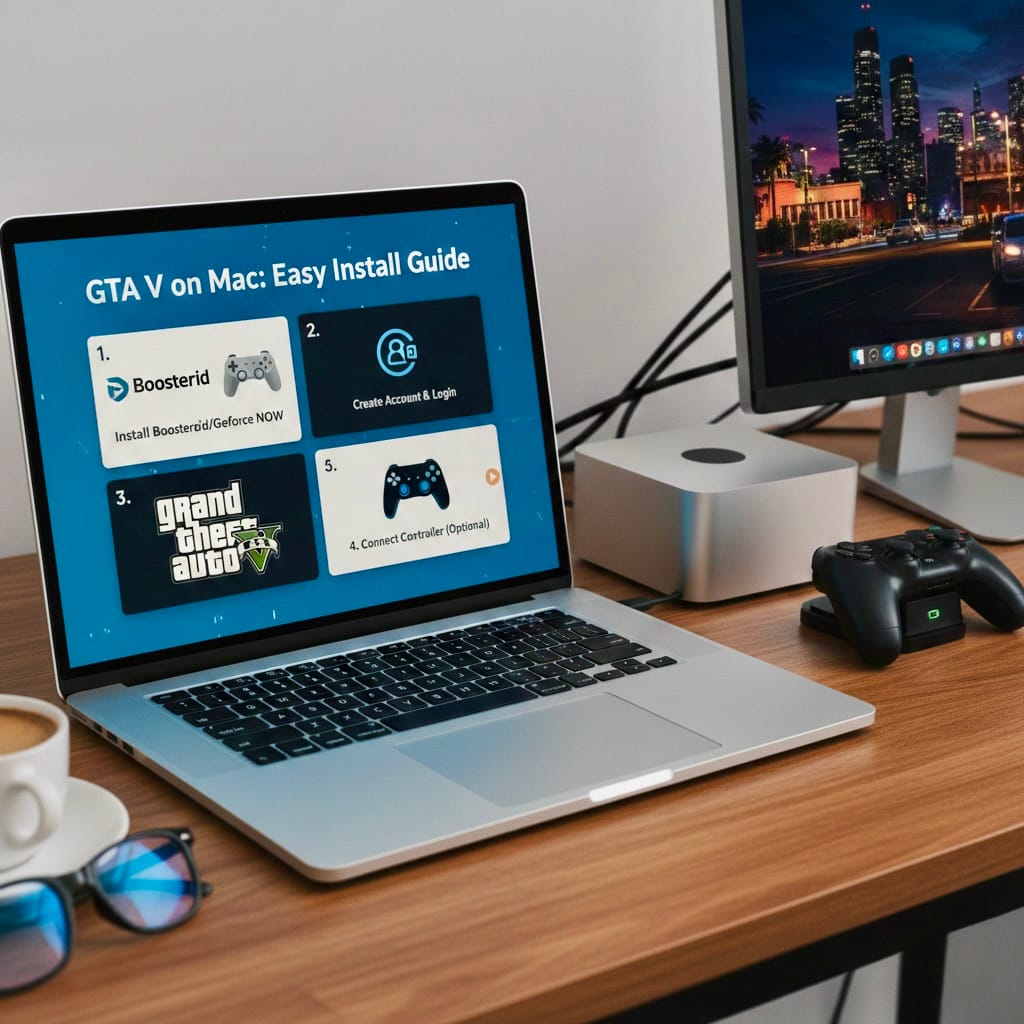
It is the easiest and most recommended method for MacBook Air, MacBook Pro, and Mac Mini with M1, M2, or M3 chips.
Do you understand Cloud Gaming?
Cloud gaming lets you stream GTA V from powerful servers. The game runs on a remote PC, and your Mac only displays the video stream.
Popular cloud gaming services include Boosteroid and Shadow PC.
How to Play GTA V on Mac Using Boosteroid
Things you require:
- A good internet connection (5GHz WiFi recommended)
- Subscription to Boosteroid
- GTA V: Steam or Epic Games Store
Steps
- On Mac, open Safari or Chrome
- Go to Boosteroid’s website
- There, create an account and subscribe
- Log in to the account and search for GTA V
- Sign in to Steam or Epic Games
- Click Play
- Start gaming instantly
With this, no installation, no Windows, and no storage issues are required.
Pros
- It doesn’t work on all Macs
- There is no heating or fan noise
- No storage required
Cons
- It needs a fast internet connection
- An active subscription is needed
Method 4: Using CrossOver or Wine
Using tools like CrossOver or Wine lets you run on Windows apps or macOS without installing Windows.
However:
- Complex GTA V setup
- Crashes are frequent
- Not applicable on Apple Silicon
This method is highly technical and not recommended for beginners.
Conclusion
However, GTA V is not officially available for macOS, MacBook and Mac Mini. But still, users can play it on reliable sources. Intel Mac users can install Windows using Boot Camp to get the best performance, while Apple Silicon users can easily play GTA V using cloud gaming services like Boosteroid.
For those who want a quick, safe, and hassle-free experience, for them, cloud gaming is the best solution. Make sure your setup is set up correctly so you can deliver a smooth, enjoyable GTA V experience.
FAQs
- Can GTA V run natively on macOS?
No. Rockstar Games has not released an official macOS version of GTA V. - Which Macs support Boot Camp for GTA V?
Only Intel-based MacBooks and Mac Minis support Boot Camp. It does not work on M1, M2, or M3 Macs. - Is cloud gaming the best option for Apple Silicon Macs?
Yes. Cloud gaming services like Boosteroid allow smooth gameplay without installing Windows. - Can GTA V run well on virtual machines like Parallels?
Not ideally. GTA V is a demanding game and may experience low FPS and performance issues. - Is CrossOver or Wine safe for playing GTA V on Mac?
They are technical, unstable for GTA V, and not recommended for beginners.