Grand Theft Auto V is one of those open-world action games around. Launched by Rockstar Games, it comes with a gripping narrative and a wide range of missions, set in Los Santos, a city where you can easily lose entire evenings. Years after launch, players keep coming back, and new ones discover it all the time. If you want to download GTA V safely and legally, head straight to Rockstar. This guide walks you through everything: creating an account, buying the game, installing it, and jumping into GTA Online.
Why download GTA V from the official site?
Downloading the game from Rockstar and it ensures authentic files, no hidden malware, and timely updates. You’ll also have access to GTA Online and official support if something goes wrong.
Do you know: Why gamble on cracked copies that can trash your PC or get your account banned? It’s like buying a car from a reputable dealer instead of a sketchy lot, fewer headaches, more peace of mind. Step-by-step guide to downloading GTA V from Rockstar
Follow these steps to get GTA V running on your PC without drama.
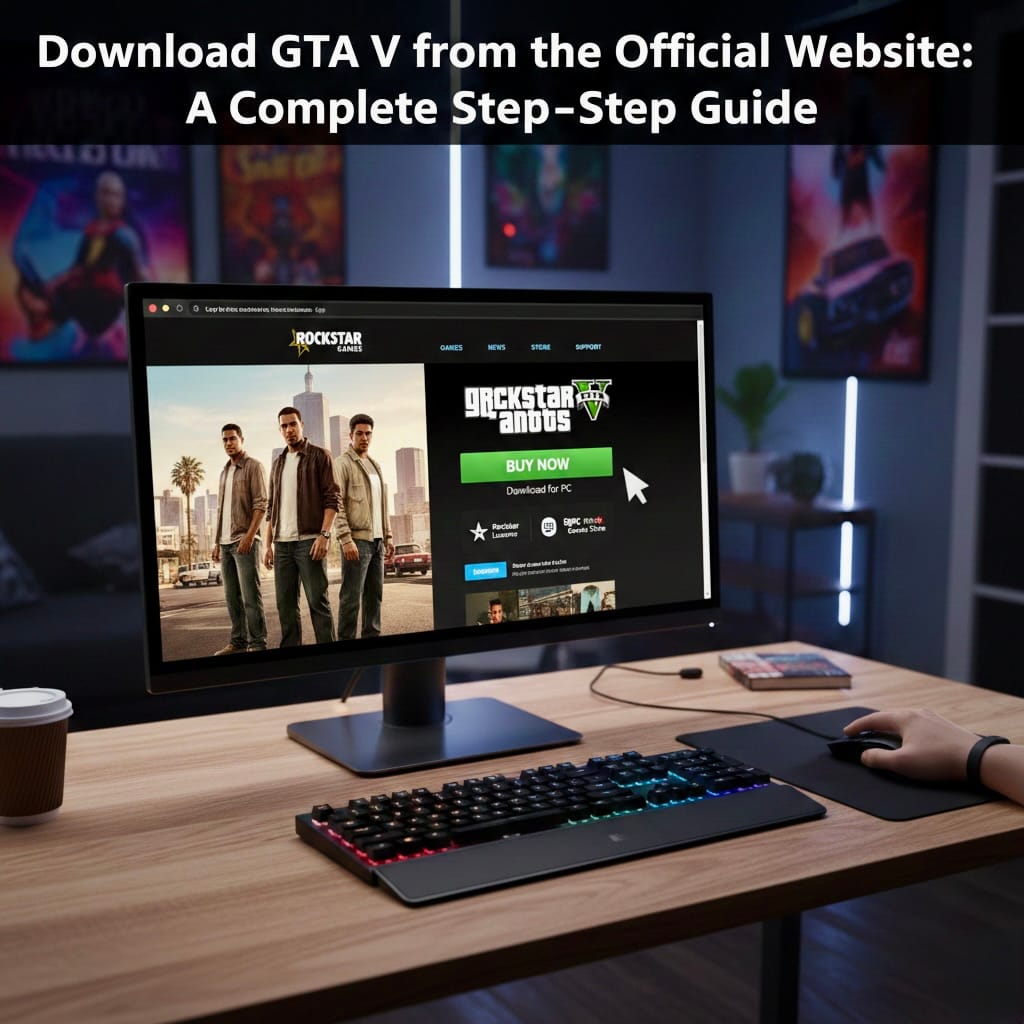
Step 1 — Visit Rockstar’s official website. Open Rockstar Games’ site and find the GTA V page. You can also download the Rockstar Games Launcher there — it’s required to install and run the PC version.
Step 2 — Create or sign in to your Rockstar Social Club account. You’ll need a Rockstar Social Club account to buy and play. Click “Sign In.” Create an account if you don’t already have one. Verify your email. Once you’re logged in, you’ll be ready to purchase and download the game.
Step 3 — Purchase GTA V. GTA V is a paid title. Choose the edition you want: Standard Edition. Premium Edition (includes GTA Online bonuses). Add it to your cart and pay with a credit/debit card or a supported digital wallet.
Step 4 — Download the Rockstar Games Launcher. After purchase: – Download and install the Rockstar Games Launcher on your PC. Log in with your Rockstar account. GTA V should appear in your library inside the launcher.
Step 5 — Install the game. Click “Install,” choose a folder, and make sure you have enough free space. Plan for roughly 100 GB, and remember that updates and DLC will increase that over time.
System requirements (PC): Check your system against these minimum specs before you start: OS: Windows 10 (64-bit); Processor: Intel Core i5 or equivalent; RAM: 8 GB; Graphics: NVIDIA GTX 660 or AMD equivalent; Storage: ~100 GB free. If you want smoother frame rates and higher settings, aim above the minimum.
How long will the download take? That depends on your internet speed: 10 Mbps: roughly 20–24 hours; 50 Mbps: roughly 4–6 hours; 100 Mbps: roughly 2–3 hours. A wired connection helps avoid interruptions. Stable is better, nobody enjoys a half-finished install. Other platforms on which GTA V is available are PlayStation, Xbox, and PC. For PC players, Rockstar’s site or the Rockstar Games Launcher is the most reliable source.
Is GTA V free on the official website?
No. GTA V isn’t permanently free on Rockstar’s site. Occasionally, other stores (Epic Games, for example) have given it away for a limited time, but generally, you’ll need to buy it. Keep an eye on official channels for discounts during seasonal sales.
Why use the Rockstar Games Launcher?
The launcher makes things simpler: automatic updates and cloud save support. Direct access to GTA Online. Easy reinstallation. Occasional Rockstar only deals. If you own multiple Rockstar titles, the launcher helps keep them organised. Tips for a smooth installation. Close unnecessary apps while downloading. Free up 100+ GB of disk space. Keep your GPU drivers current. Use a wired connection if you can. If you hit installation errors, temporarily disabling antivirus software can help. Just remember to re-enable it afterwards.
Follow the steps above, and you’ll be cruising through Los Santos in no time. Ready to cause some chaos? See you online.
FAQs
1. Where can I officially download GTA 5?
Head straight to Rockstar: go to the Rockstar Games website and open the Rockstar Games Launcher. Once you buy the game, it will appear in your launcher library, where you can download and install it.
2. Is GTA 5 free on the official Rockstar website?
No, GTA 5 is a paid game on Rockstar’s store. Always check on discounts if you want to pick it up at a lower price.
3. How much storage space is required to install GTA 5?
On PC, you’ll need about 100 GB of free disk space. It’s a good idea to leave additional room for updates and patches; installs can balloon over time.
4. Do I need an internet connection to play GTA 5?
You’ll need the internet to download and activate the game. GTA Online needs a constant connection, but the single-player Story Mode can be played offline after installation and activation.
5. Can I transfer GTA 5 to another PC after downloading?
Yes. Sign in to your Rockstar account with the Rockstar Games Launcher on the other PC and reinstall your purchase (and any cloud saves linked to your account), which will be available there.