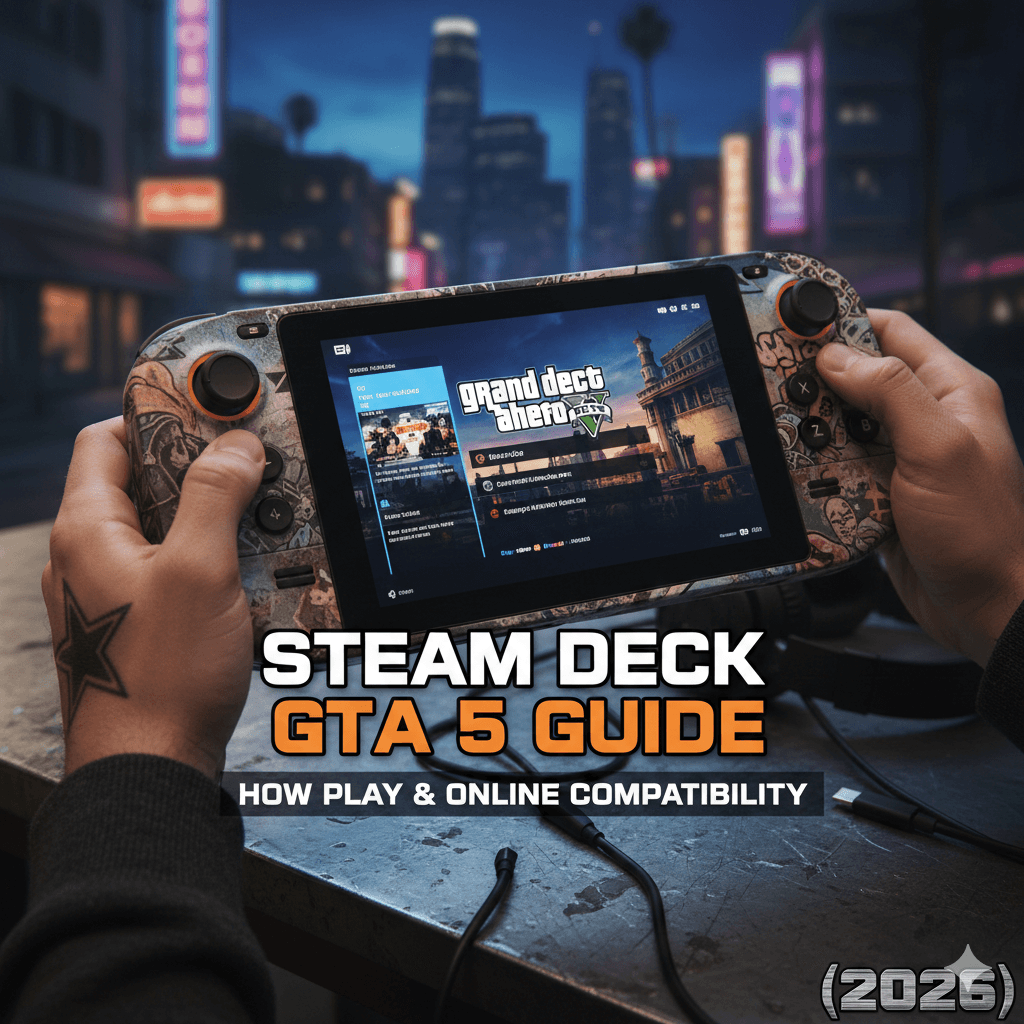
The Steam Deck is a gaming device, which is made by Valve. This works like a small PC. It lets you play many games available on PC. This runs on SteamOS. It is based on Linux, though some games are made specifically for Windows; many still work on the Steam Deck.
GTA 5 is the most popular game, available on almost every platform. This includes PlayStation, Xbox, and PC. Many players wonder whether GTA 5 toggle can be played on the Steam Deck.
Breaking this down in simpler ways:
Can GTA 5 be supported on the Steam Deck?
No, GTA 5 is not being supported on Steam Deck. The game is marked as “unsupported”. It means Valve doesn’t guarantee that it will work with SteamOS.
How Can You Play GTA 5 on Steam Deck?
For this, you can install Windows. Fix and install Windows on a microSD card so the Steam Deck can run safely.
Things you need:
- A separate microSD card with at least 512GB of storage.
- Choose an A2-rated card for better speed.
- A Windows 10 or Windows 11 ISO file.
- A tool like Rufus is used to make the microSD card bootable.
Steps to follow:
- On the microSD card, install Windows.
- Insert the microSD card into your Steam Deck.
- You can start the Steam Deck and boot into Windows.
- However, install Steam for Windows.
- Lastly, download and play GTA 5.
On Windows, GTA 5 runs smoothly. Get full access to Story Mode and GTA Online. However, it may need adjustments to the controls, since the game is designed for keyboard and mouse.
Want to play GTA 5 without Steam: Is it the Epic or the Rockstar launcher
If you bought GTA 5 from the Epic Games Store or Rockstar Launcher, you can still play it:
While buying GTA 5 from the Epic Games Store or the Rockstar Launcher, you can still play it. How? See the steps below:
- Change from Steam Deck to Desktop Mode
- For the Windows version, download the Rockstar Games Launcher.
- Add it to a non-Steam game
- To run it on SteamOS, use Proton Compatibility.
However, the above methods work but may be less stable than installing Windows.
FAQs
- Is GTA 5 supported on Steam Deck?
No. This is being marked as unsupported on Steam Deck. It means that it does not officially run on SteamOS.
- Do you play GTA 5 Online on Steam Deck?
Yes, we can play GTA 5 Online; for this, you need to install Windows on the device. This method has full access to both Story Mode and Online Mode.
- Tell me the best way to play GTA 5 on the Steam Deck?
The most stable way to install Windows 10 or 11 on a microSD card. It can be run on a normal PC.
- Is it necessary to remove SteamOS to install Windows?
No. You can install Windows on a separate microSD card. SteamOS is safe and never changes on the Steam Deck.
- Can I play GTA 5 if I bought it from the Epic Games Store or the Rockstar Launcher?
Yes. You can install the Rockstar Games Launcher or Epic Games version using Desktop Mode and Proton, or play it easily after installing Windows.