One game that has been popular among almost every online gamer is GTA 5. If you enjoy it too, you must have listened to those songs again and again. So, have you ever wondered if you can play your own music in GTA 5 on PS5?
If yes, then here is the good news. Yes, you can play your own music in GTA 5 on PS5. However, you can not do it directly through the game. You will need separate streaming platforms for it. If the only question in your head is “How?”, then this guide explains everything you need to know.
Can You Add Custom Music Directly in GTA 5 on PS5?
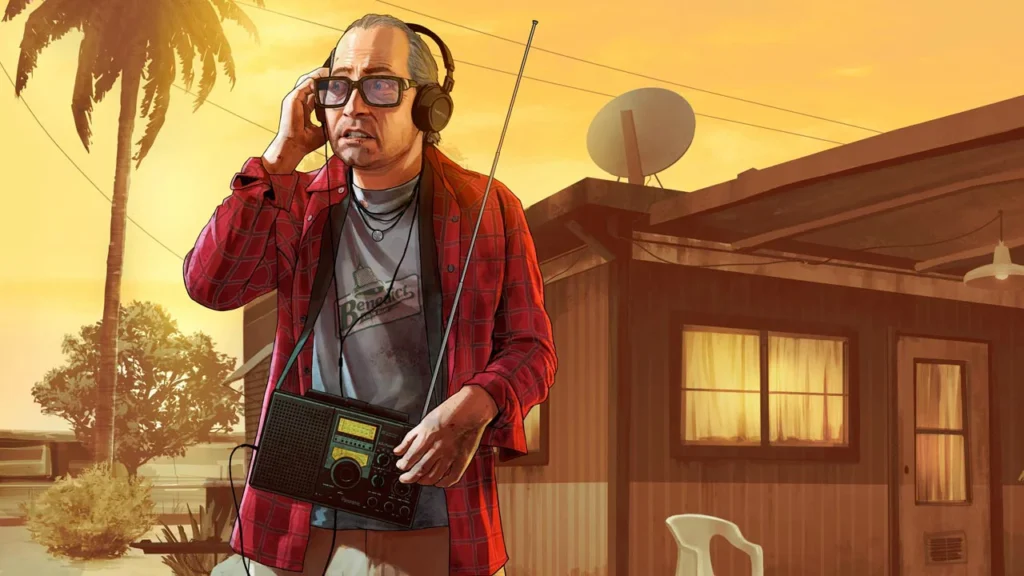
As mentioned above, the short answer is no. If you have ever played on PC, you must have noticed a special feature known as Self Radio. It allows you to add your own music and create a personalised radio station. However, this feature is not available on PS5.
Instead, you can listen to music through supported streaming platforms. The next section covers different ways by which you can get it.
How to Play Your Own Music in GTA 5 on PS5?
If you also want to play your own music in GTA 5 on PS5, here are a few different ways that you can follow:
- By installing Spotify
- Via USB Media Player
- Using Apple Music
How to Play Your Own Music in GTA 5 on PS5 by Installing Spotify?
Here are the complete steps by which you can play your own music in GTA 5 on PS5 by using Spotify:
- Start by downloading the app from the PlayStation Store.
- Next, open it and log in with your Spotify account. If you dont have it, you will need to create it first.
- Create your playlist or open the one you want to listen to and start playing it.
- Once you start playing it, launch GTA 5.
- Now press the PS button while in-game. It will open the control center and select Music.
- Your Spotify playback controls will appear on the screen.
- Now go to Settings and tap on Audio in-game.
- Lower the in-game music volume. It will help you listen to a Spotify playlist clearly.
How to Play Your Own Music in GTA 5 on PS5 via USB Media Player?
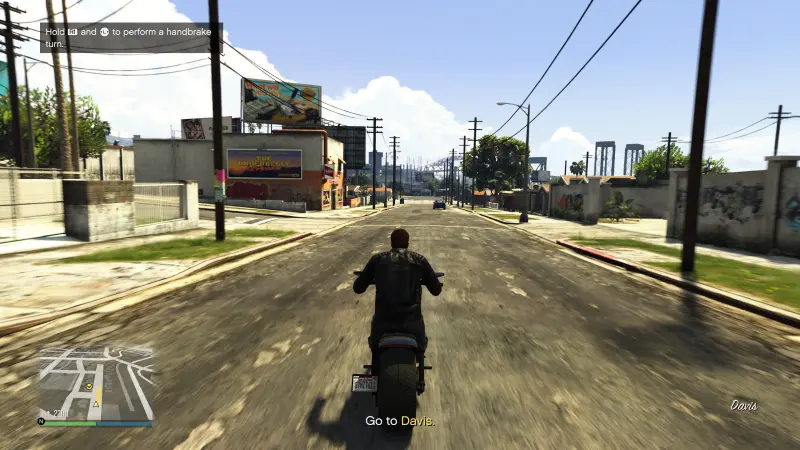
The following are the steps by which you can play your own music in GTA 5 on PS5 via USB Media Player:
- Just add your favourite music files to a folder on a USB drive.
- Now insert the USB into your PlayStation.
- Open the media player app and start playing your favourite music file.
- Launch GTA 5 and go to Settings.
- Tap on the Audio icon and lower the in-game music volume.
How to Play Your Own Music in GTA 5 on PS5 Using Apple Music?
Follow the steps to play your own music in GTA 5 on PS5 by using the Apple Music app:
- Again, download the Apple Music app from the PlayStation Store.
- Open the app and sign in with your Apple ID. It must be linked to an active Apple Music subscription.
- Once done, start playing the music you want to hear.
- Launch GTA 5 on your PS5.
- Press the PS button while in-game to open the Control Center.
- Select Music, where your Apple Music playback controls will appear. You can pause, skip, or change songs anytime.
- Now go to Settings in GTA 5 and tap on Audio.
- Lower the in-game music volume and enjoy your own playlist.
How to Control Music Without Leaving GTA 5?

If you want to pause, skip, or change the track, PS5 provides a special feature: quick music control. With it, you can do whatever you want to do with the music. Here are the steps by which you can do that:
- Tap the PS button on your controller and open the Control Centre.
- Tap on Music Card, and you are done.
- You can manage your music easily without any tension.
- Please note that you do not need to close GTA 5 or leave your gameplay. This makes it easy to switch the music while in the game.
Tips for a Better Music Experience in GTA 5 on PS5
Here are some simple tips that will make your music experience better in GTA 5 on PS5:
Download Songs Offline
If you are using any streaming app that supports downloads, try to save playlists offline. It will help to avoid interruptions from weak internet.
Match Music to Gameplay
Just like you play music according to your moods, try to make playlists according to different moments in GTA 5. You can play calm songs for free roaming, intense tracks for heists, and much more.
Balance Audio Settings
One thing that is important to take care of is the balance of music and dialogue. Try to keep the voice of the dialogue a little louder than the music. It will help you enjoy the game more.
Conclusion
While the PS5 does not support the Self Radio feature, you can easily play your own music in GTA 5 on PS5. There are three ways to do that: using Spotify, Apple Music, or a USB Media Player. All you need to do is install the Spotify or Apple Music app and follow some easy steps mentioned in this guide. As far as a USB media player is concerned, you will have to add the music files of your choice to it. Connect it and play the music on your PS5. Then again, do some settings, and you are done. You can finally enjoy music of your own choice.